
Built into the editor, free

Reaction video templates
eight sets, one click each

A reaction video in ReactionCut has three moments: while you watch, while you talk, and the start and the end. A template set gives all three a look in one click, and every part of it stays yours to change.
Bubble cam templateEtched cam templateSide window templateMelted window template
Video-first

Four sets where the video leads

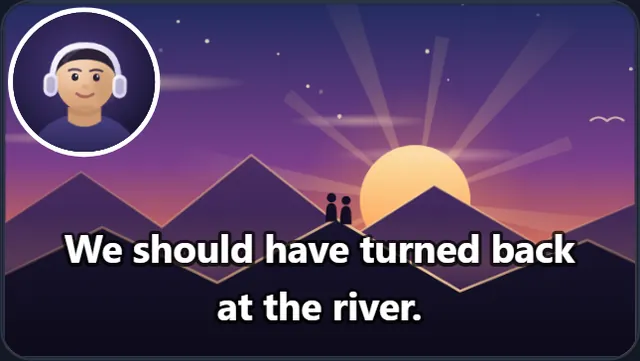
The video fills the frame and your camera sits on top of it. Each set opens and closes with the Full-frame cam look.

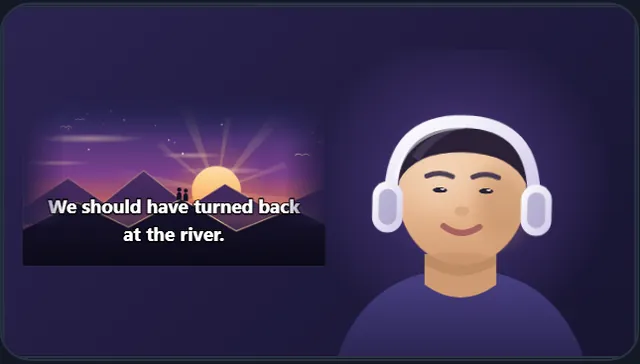
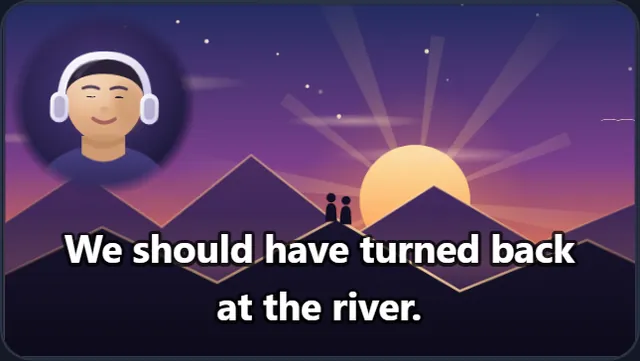
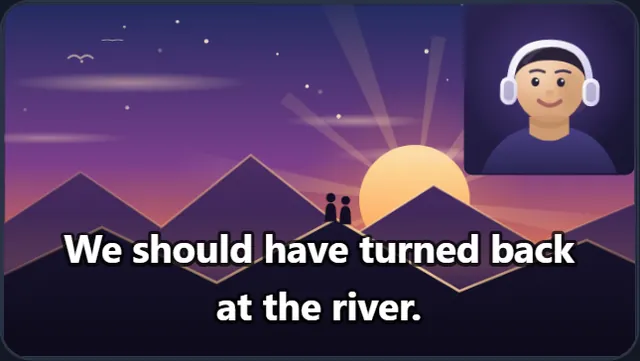
Bubble cam reaction video template, while you watch: the Bubble cam look
You’re quietBubble cam
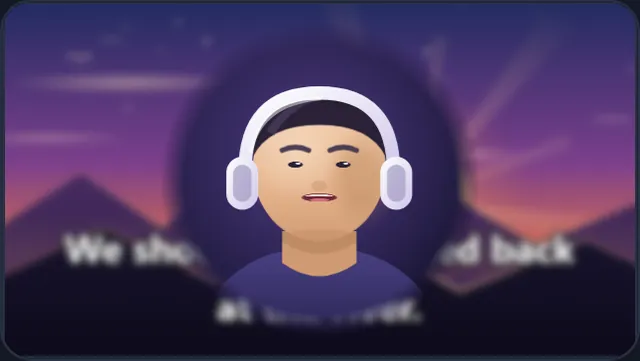
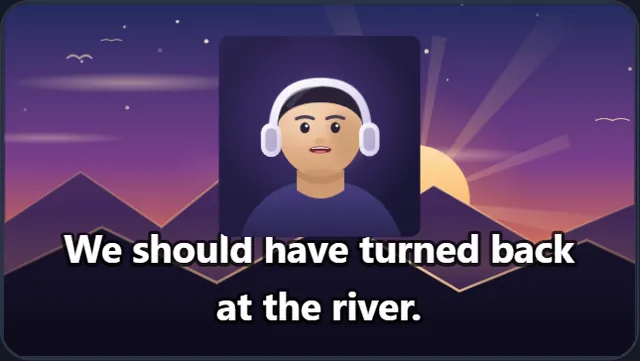
Bubble cam reaction video template, while you talk: the Bubble close-up look
You speakBubble close-up
Video-first

Bubble cam

A white circle up in the corner.

Melted cam reaction video template, while you watch: the Melted cam look
You’re quietMelted cam
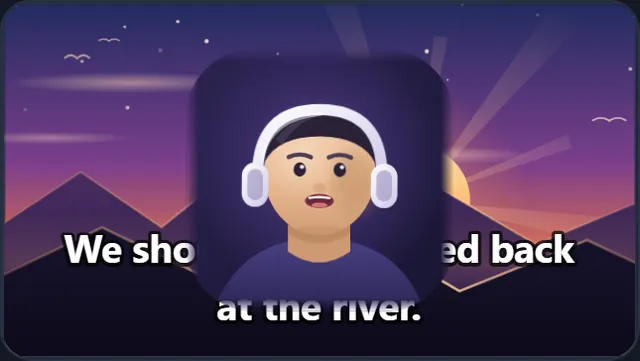
Melted cam reaction video template, while you talk: the Melted close-up look
You speakMelted close-up
Video-first

Melted cam

A soft circle with no rim at all.

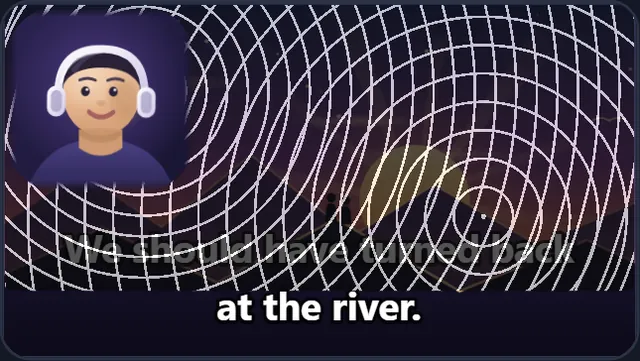
Etched cam reaction video template, while you watch: the Etched cam look
You’re quietEtched cam
Etched cam reaction video template, while you talk: the Etched close-up look
You speakEtched close-up
Video-first

Etched cam

A soft square over a drawn pattern.

Boxed cam reaction video template, while you watch: the Boxed cam look
You’re quietBoxed cam
Boxed cam reaction video template, while you talk: the Boxed close-up look
You speakBoxed close-up
Video-first

Boxed cam

A plain square on the right.

You-first

Four sets where you lead

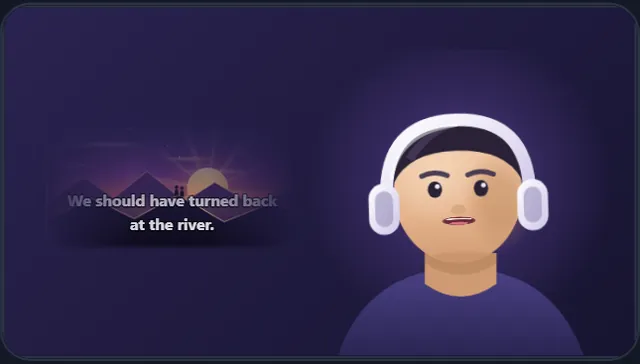
You fill the frame and the video plays in a window you place. Each set opens and closes with the You only look.
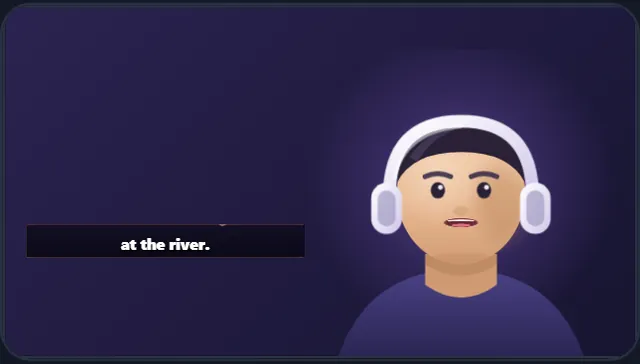
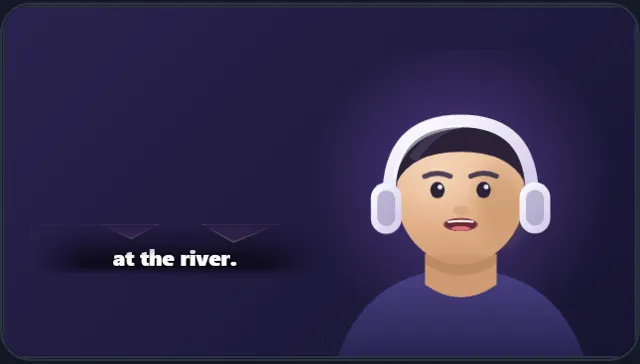
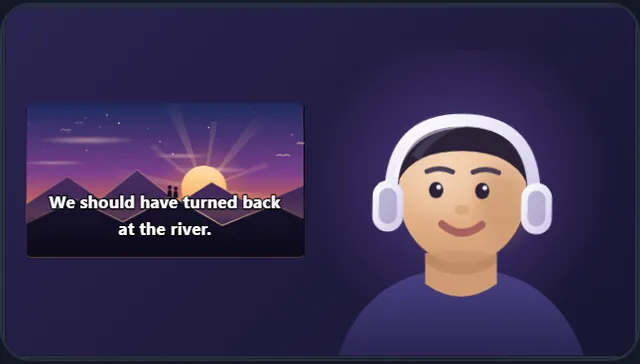
Side window reaction video template, while you watch: the Side window look
You’re quietSide window
Side window reaction video template, while you talk: the Subtitle strip look
You speakSubtitle strip
You-first

Side window

The video in a plain window beside you.
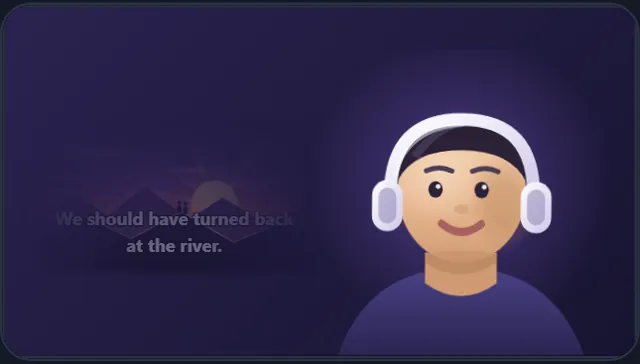
Dimmed window reaction video template, while you watch: the Dimmed window look
You’re quietDimmed window
Dimmed window reaction video template, while you talk: the Soft strip look
You speakSoft strip
You-first

Dimmed window

A dim window with soft edges.

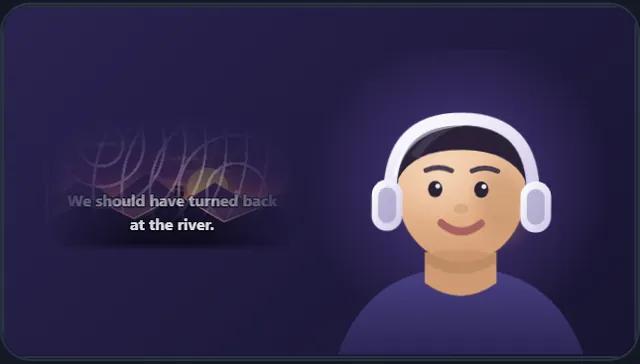
Etched window reaction video template, while you watch: the Etched window look
You’re quietEtched window
Etched window reaction video template, while you talk: the Soft window look
You speakSoft window
You-first

Etched window

A rounded window over a drawn pattern.
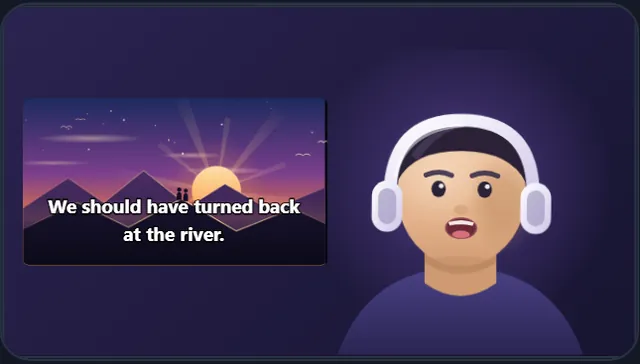
Melted window reaction video template, while you watch: the Melted window look
You’re quietMelted window
Melted window reaction video template, while you talk: the Clean window look
You speakClean window
You-first

Melted window

A window with no hard edge at all.

How it works

From an empty picture to a finished look in one click

The template window opens on its own the first time you reach the Look step, and it is always one click away under Templates after that.

  1. 1
    Pick a setClick one of the eight and all three looks are built at once: shape, position, size, border, soft edge and the sound mix.
  2. 2
    Change what you likeDrag your camera, pull a corner, swap its shape or border, type on the picture. Undo goes all the way back, so nothing you try is expensive.
  3. 3
    Save it as your projectSave project keeps every look, so the next video opens with the same setup and only the footage changes.
Not only sets

Mix them, or build your own

Mix sets, and even layouts

The shelf holds every look on its own, 21 in all, so your quiet look can come from one set and your talking look from another, even in the other layout.

Or start from an empty picture

Camera frames in 19 shapes, borders that grow outward, a soft edge, text in 56 styles, your own images, and your background removed if you want to stand in front.

Two or three versions of a look

Give a look a second or third version and the clips take turns, so a long video does not sit in one frame for an hour.

Questions

About the templates

Are the templates free?

Yes. All eight sets, and every single look inside them, are part of the free editor. You pay only if you want an export without the watermark, and that is the same with or without a template.

Can I change a template after I pick it?

Everything in it stays editable: the shape of your camera, where it sits, its size, the border, the soft edge, the text and the sound mix. A template is a starting point, not a lock.

Can I keep my own version for the next video?

Save the project and every look in it is kept, so your next video opens with the same setup. With a free account your projects follow you to any computer; without one, up to ten stay in this browser.

Do I have to use a whole set?

No. The window with the eight sets fills all three looks at once, but every look inside them is also on the shelf on its own. A Bubble cam while you watch and a Subtitle strip while you talk is a perfectly normal mix.

What is the difference between Video-first and You-first?

Video-first gives the video the whole frame and puts your camera on top of it. You-first gives you the frame and puts the video in a window. You-first shows less of the original, which is what you want when a video is likely to be claimed.

Do templates work with any video?

Yes. The editor never looks at what the video is, so the same template works for a film, an episode, a music video, gameplay or a match. What changes is how much of the original you want on screen.

Pick a set and see it on your own footage

No account and no upload. The demo project gives you sample footage to try every set on, in about a minute.
Open the editor